What is MCP? Model Context Protocol Explained (2026 Guide)
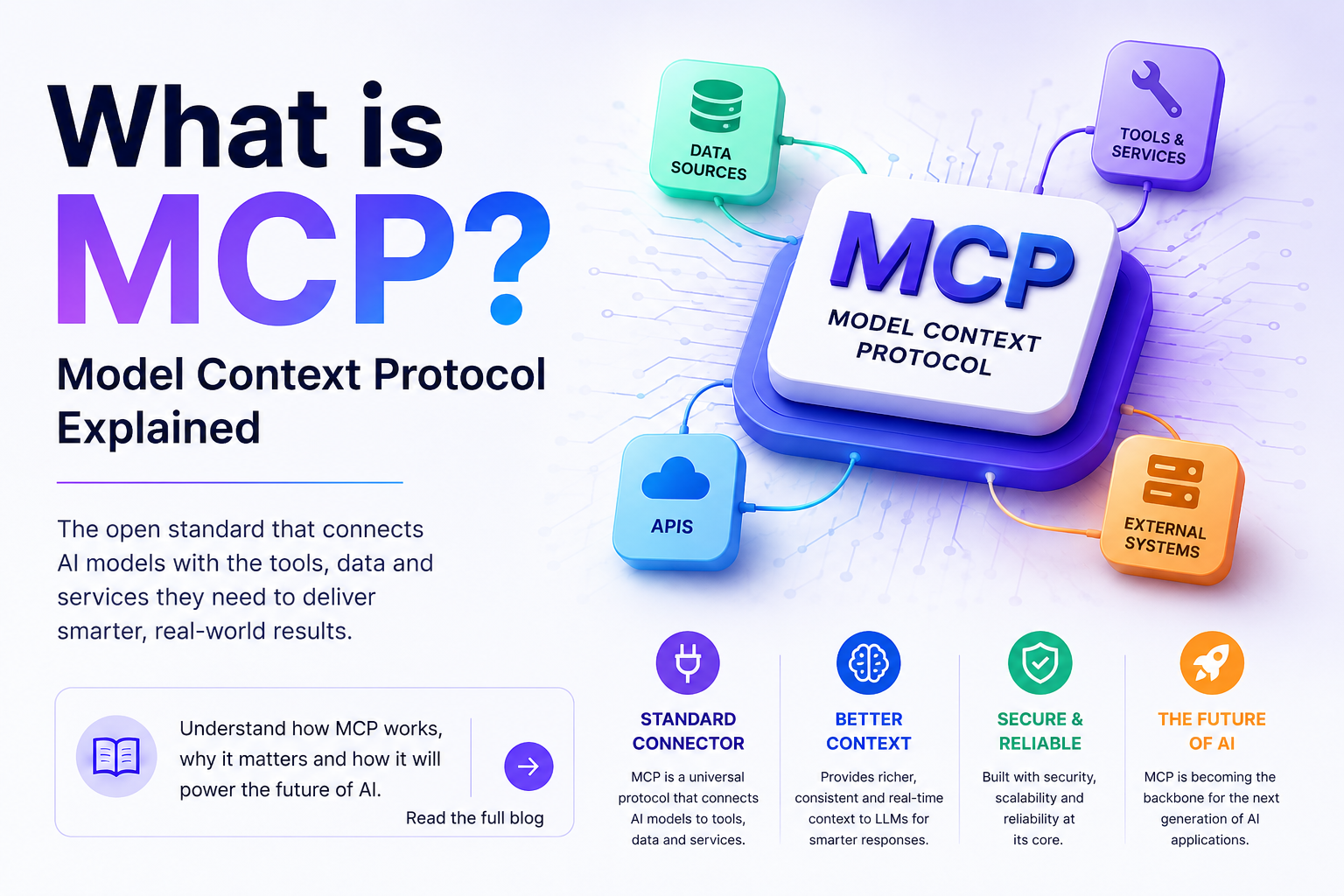

Learn what the Model Context Protocol (MCP) is, how MCP servers and clients work, why MCP matters for AI agents and AI automation, and how to build your first MCP server.
What is MCP? Model Context Protocol Explained (2026 Guide)
If you have followed AI development in 2025 and 2026, you have seen MCP everywhere. The Model Context Protocol has become the universal standard for connecting large language models to tools, data sources, and business systems. But what exactly is MCP, how does it work, and when should you use it?
This guide explains MCP in plain language, walks through the architecture, and shows you how to build your first MCP server.
What Is the Model Context Protocol?
MCP is an open standard that defines how AI applications connect to external tools and data sources. In the same way that USB-C standardized how devices connect to computers, MCP standardizes how AI models connect to everything else.
Before MCP, every AI integration was custom. To let a chatbot query your database, you built a custom API, wrote custom glue code, and maintained bespoke plumbing. Change the model, the tool, or the data source and the integration had to be reworked. MCP replaces this one-off integration work with a single, reusable protocol.
An MCP server exposes capabilities — tools, data resources, and prompt templates. An MCP client (usually inside an AI application or agent) connects to the server and lets the model use those capabilities through a standard interface.
Why MCP Matters
Interoperability. An MCP server written once can be used by any MCP-compatible client — Claude, OpenAI-compatible agents, custom applications built with the MCP SDKs. You are never locked into one vendor's integration format.
Security boundaries. Instead of giving a model direct database access, you expose a controlled set of MCP tools. The model can call get_customer and update_order_status but cannot run arbitrary SQL. This is a fundamentally more secure architecture than letting an LLM write queries.
Reusable building blocks. The MCP registry already contains thousands of servers for databases, CRMs, file systems, browsers, and business tools. Most integrations are now a configuration step, not a development project.
Agent readiness. AI agents need to act, not just chat. Agents use tools to read data, call APIs, and trigger workflows. MCP is the standard transport that makes tool use uniform across agents.
How MCP Works
MCP uses a client-server architecture built on JSON-RPC message passing, usually over stdio (local processes) or Streamable HTTP (remote services).
Host. The AI application — a desktop assistant, a web app, an agent framework. The host creates the MCP client.
Client. The component inside the host that maintains a connection to one server. It handles the protocol handshake and message routing.
Server. A program that exposes three kinds of capabilities:
- Tools: functions the model can call, with declared inputs and outputs. Examples: search_products, get_weather, send_invoice.
- Resources: read-only data the model can access, like files, database records, or API responses.
- Prompts: reusable prompt templates that package instructions for common tasks.
A typical call flow looks like this:
1. The user asks the assistant to look up a product.
2. The assistant requests the list of tools from the MCP client.
3. The client asks the server for its tool list and descriptions.
4. The model decides search_products fits the task and calls it.
5. The client relays the call; the server executes it and returns the result.
6. The model incorporates the result into its answer.
MCP vs Traditional API Integration
| Aspect | Traditional API | MCP Server |
|---|---|---|
| Discovery | Manual, per-integration | Standardized tool/resource listing |
| Model-Bound | Written for one app flow | Any MCP-compatible client |
| Reusability | Low — custom glue per project | High — one server, many clients |
| Security | Depends on implementation | Capability-based tool boundaries |
| Maintenance | Each integration maintained separately | One protocol, one server lifecycle |
Traditional APIs are not going away — your business systems still expose REST APIs. MCP sits on top of them, wrapping existing APIs as tools so models can use them through a standard interface.
Building a First MCP Server
The official SDKs (Python and TypeScript) make a basic server surprisingly small. The core steps:
1. Initialize the server and register capability handlers.
2. Define tools with JSON Schema inputs and descriptions.
3. Register any resources you want exposed as data.
4. Run the server over stdio for local use, or Streamable HTTP for remote exposure.
5. Connect a client — a Claude desktop app, an agent built on the SDKs, or a custom app.
A practical example: a product-search MCP server that wraps an existing inventory REST API. The server exposes a search_products tool. The AI assistant can now answer questions like "which products are in stock under 500 rupees?" by calling that tool and searching real inventory data.
MCP in Production: Standards and Guardrails
Introducing MCP into production systems requires the same discipline as any integration:
- Scope tools narrowly. Expose what the model genuinely needs, nothing more.
- Validate every tool input server-side, even though schemas are declared.
- Add authentication and authorization at the transport layer for remote servers.
- Log tool calls for audit and debugging.
- Keep tool descriptions accurate — models pick tools based on descriptions.
- Test with real model traffic, not just unit tests.
MCP Use Cases
- AI support assistants that query the knowledge base, CRM, and order system.
- AI agents that write to your ERP or trigger automation workflows.
- Developer tools where AI runs build, test, or data pipelines.
- Internal knowledge access where models retrieve from documents, wikis, and databases.
- Multi-vendor AI setups where the same tools serve several models.
At RedGobble we use the same protocol inside our AI development practice — grounding AI assistants in client knowledge bases and wiring agents to real business systems. See the AI Development service for how we scope these systems, or read about AI agents vs AI chatbots to understand where MCP-based agents fit.
Frequently Asked Questions
What does MCP stand for?
The Model Context Protocol — an open standard for connecting AI models to tools, data sources, and contexts.
Is MCP a Google standard?
No. MCP was introduced by Anthropic in late 2024 and is now maintained as an open standard supported by OpenAI, Google, Microsoft, and the broader AI community.
What is the difference between MCP and an API?
An API is an interface to a specific system. MCP is a protocol that standardizes how AI clients discover and call tools and access resources — often wrapping APIs underneath.
Does my AI project need MCP?
If your AI application needs to use tools or access external data beyond the model's training data, MCP provides a standard, reusable way to do it. For simple single-integration prototypes a direct API call may be enough.
How secure is MCP?
MCP itself is a transport standard; security depends on implementation. Scope tools narrowly, validate inputs, authenticate remote connections, and log calls.
Can I expose internal business systems through MCP?
Yes. Wrapping internal APIs and databases as MCP tools is a common production pattern, with careful scoping and access control.
How do I start with MCP?
Pick the language you are most comfortable with, follow the quick-start in the official MCP documentation, build a hello-world server exposing one tool, then connect it to an MCP-compatible client.